WORKSCOPE:
DESIGN SYSTEM
ROLE:
LEAD DESIGNER
TIMELINE:
3-4 MONTHS
YEAR:
2024/2025
problem.
core values.
Accessibility
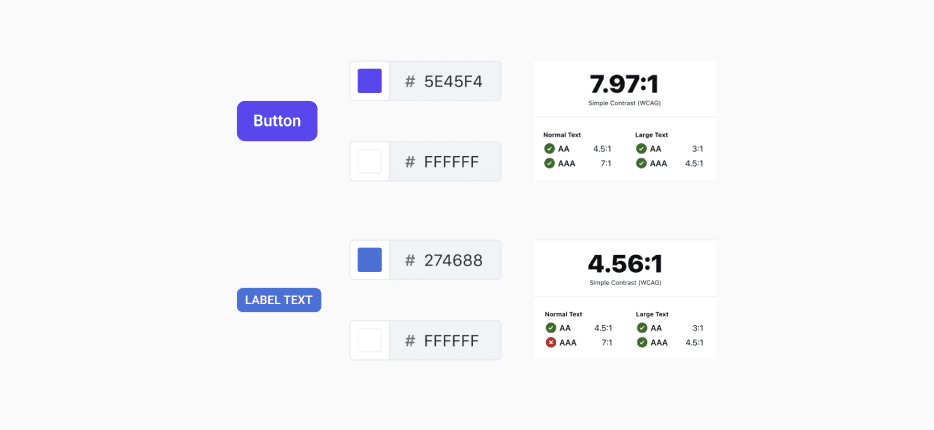
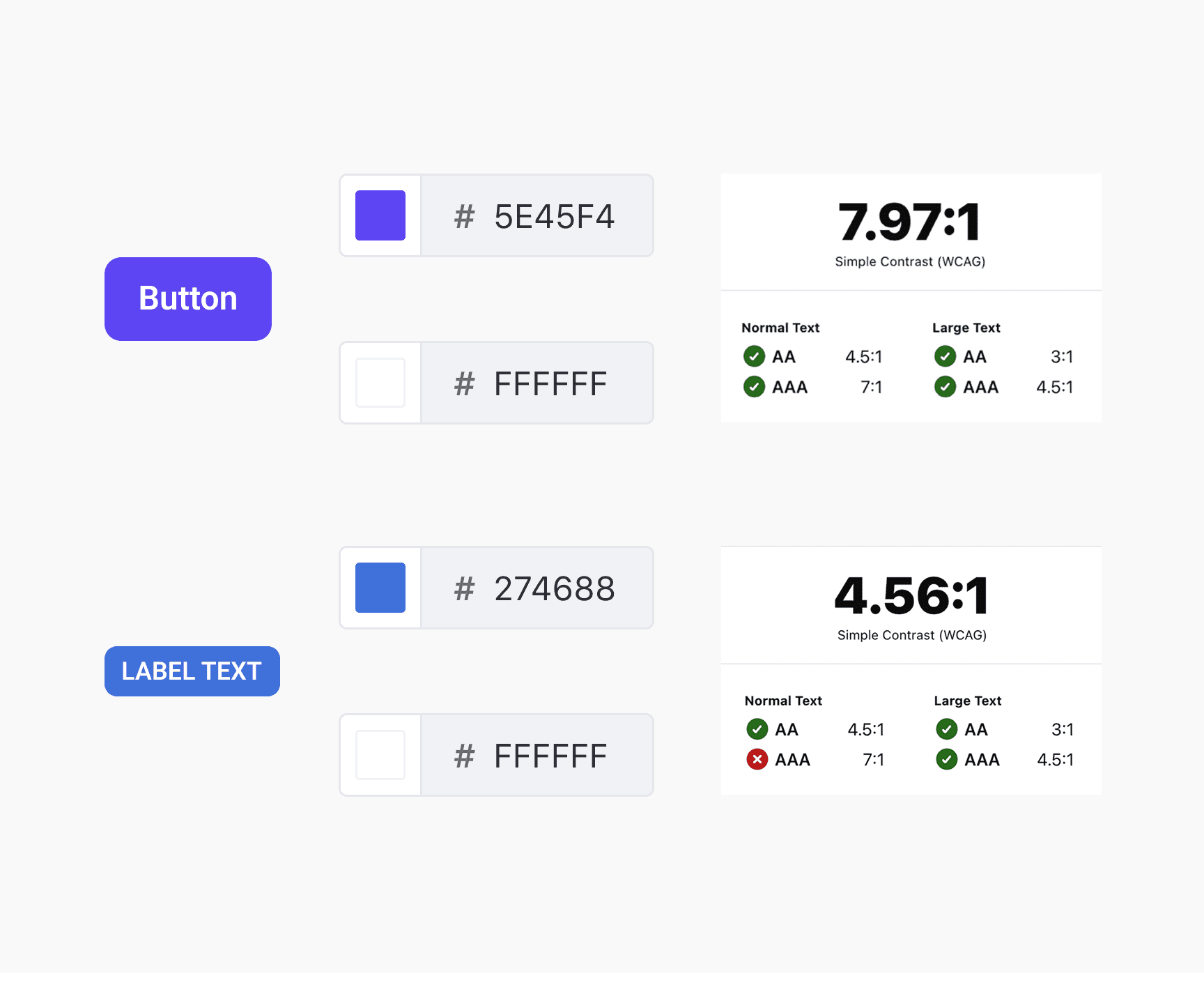
Accessibility was a key focus in the system. Color choices meet contrast standards to ensure readability, and typography is legible across devices and contexts. Spacing, hierarchy, and component states were designed to be clear and distinguishable, supporting users with different abilities. Integrating accessibility considerations from the start ensures inclusive experiences while maintaining consistency, usability, and clarity across all platforms.
Scalability
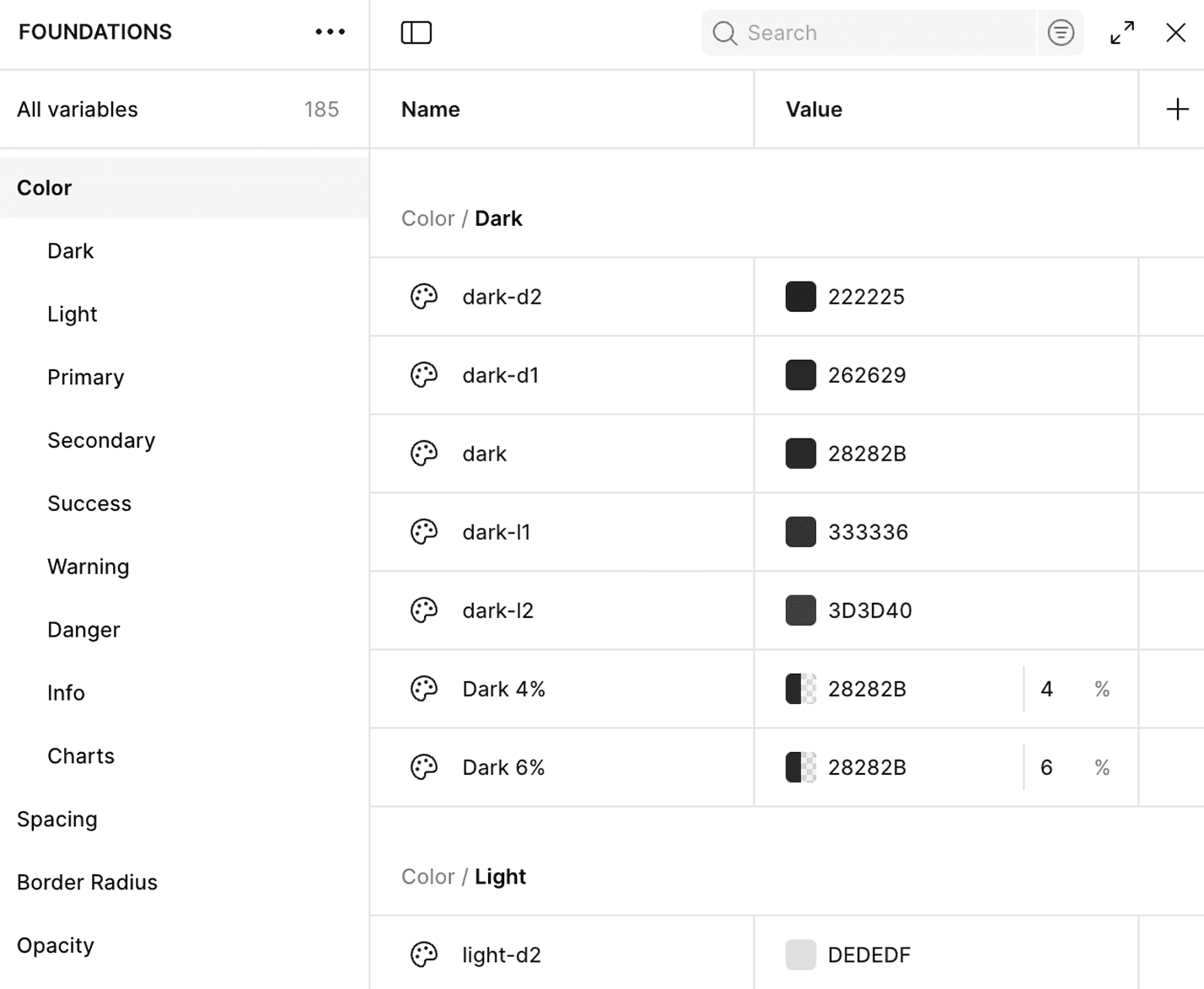
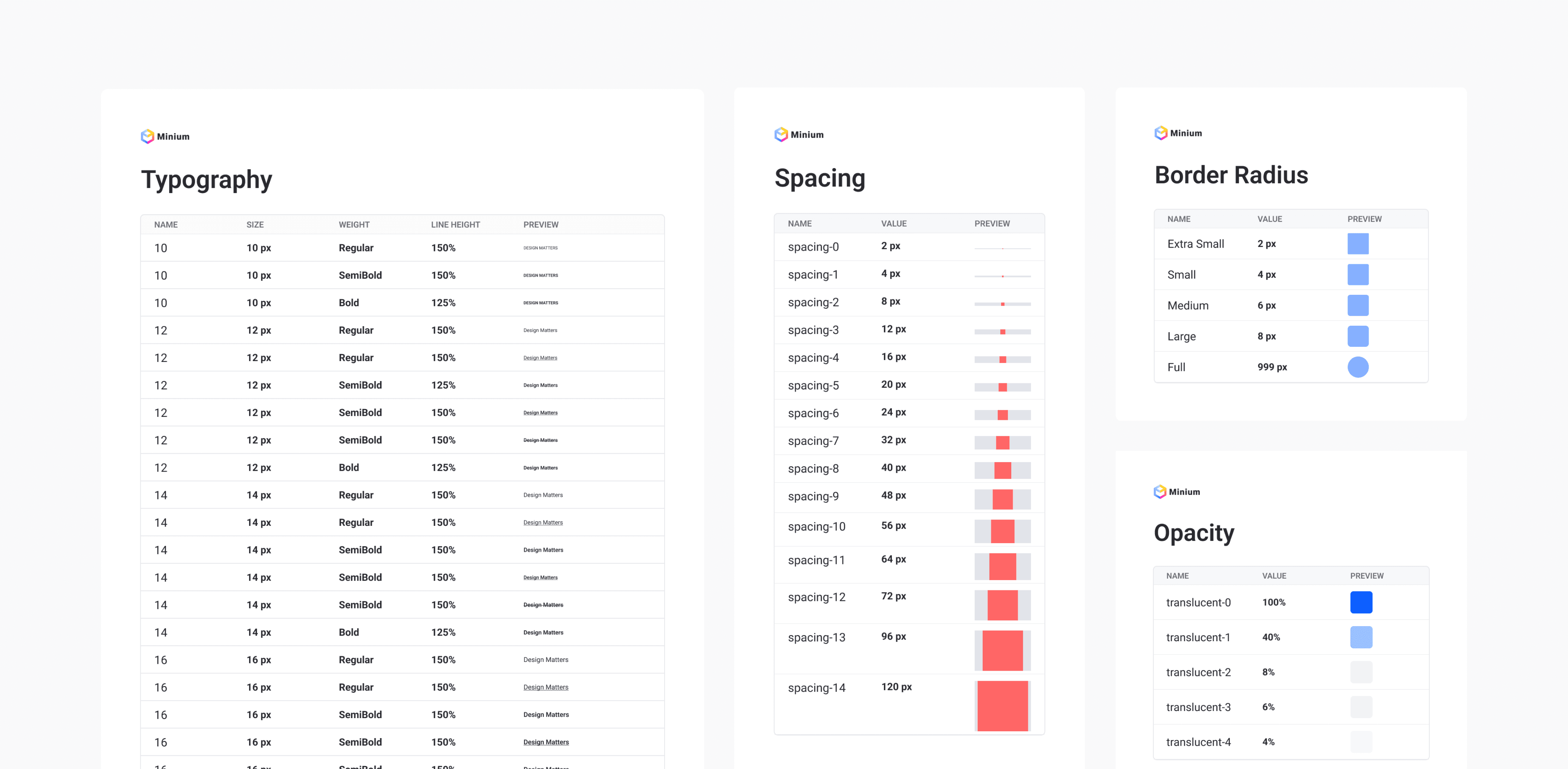
I built a scalable system with modular components and clear guidelines supported by design tokens and variables. Colors, typography, spacing, and other properties are defined as tokens, making the system consistent, adaptable, and easy to update across platforms and features. This ensures components remain flexible, maintainable, and scalable while providing a solid foundation for designers and developers to work efficiently as the product grows.
Responsiveness
Responsiveness was central to the system, with components designed to adapt seamlessly to different screen sizes and layouts. Even complex components like cards preserve essential aspects such as image ratios, while allowing flexibility in spacing, alignment, and arrangement. This approach ensures components remain visually coherent, consistent, and functional across devices, providing a reliable and adaptable user experience.
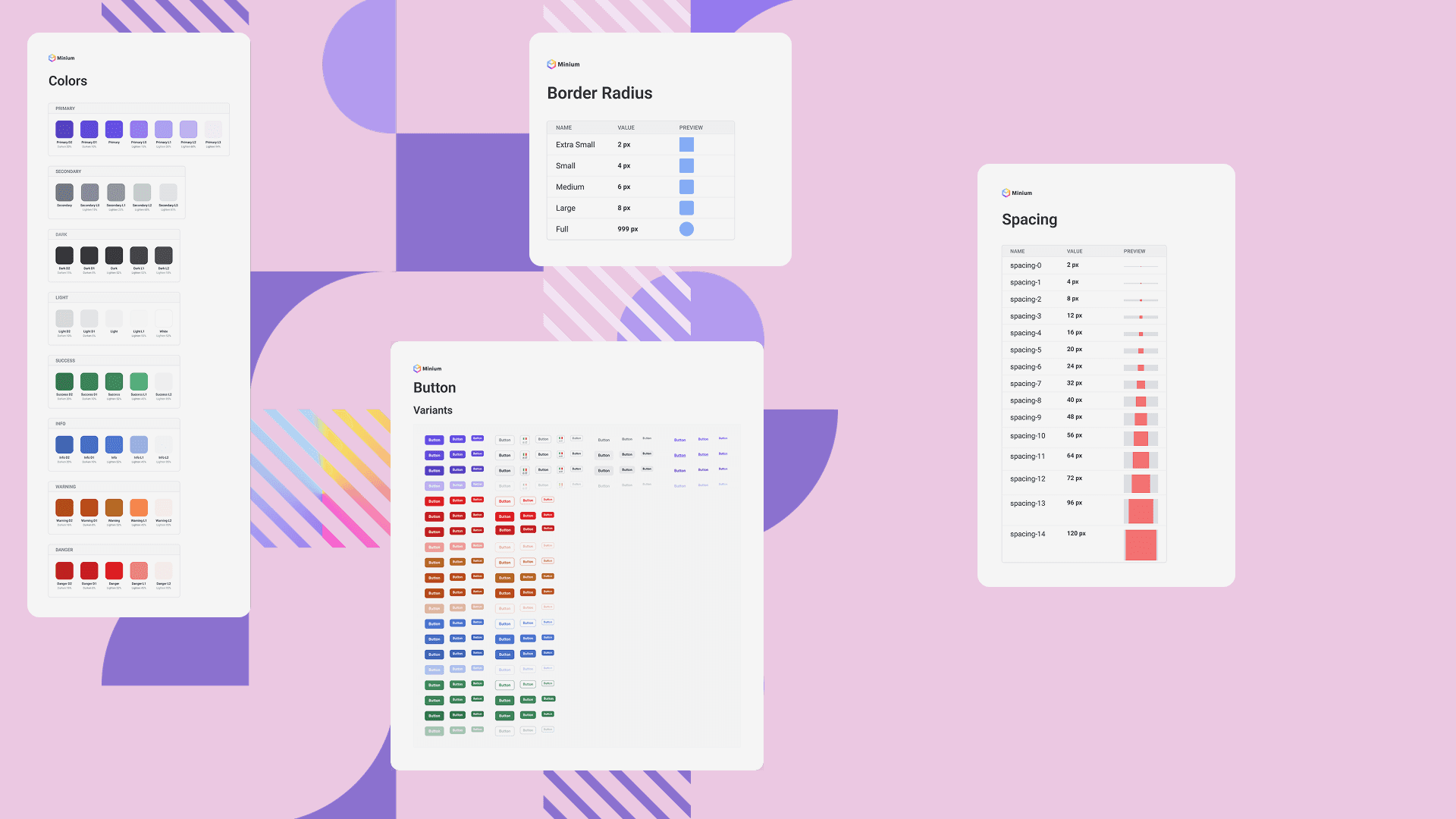
foundations.
components.
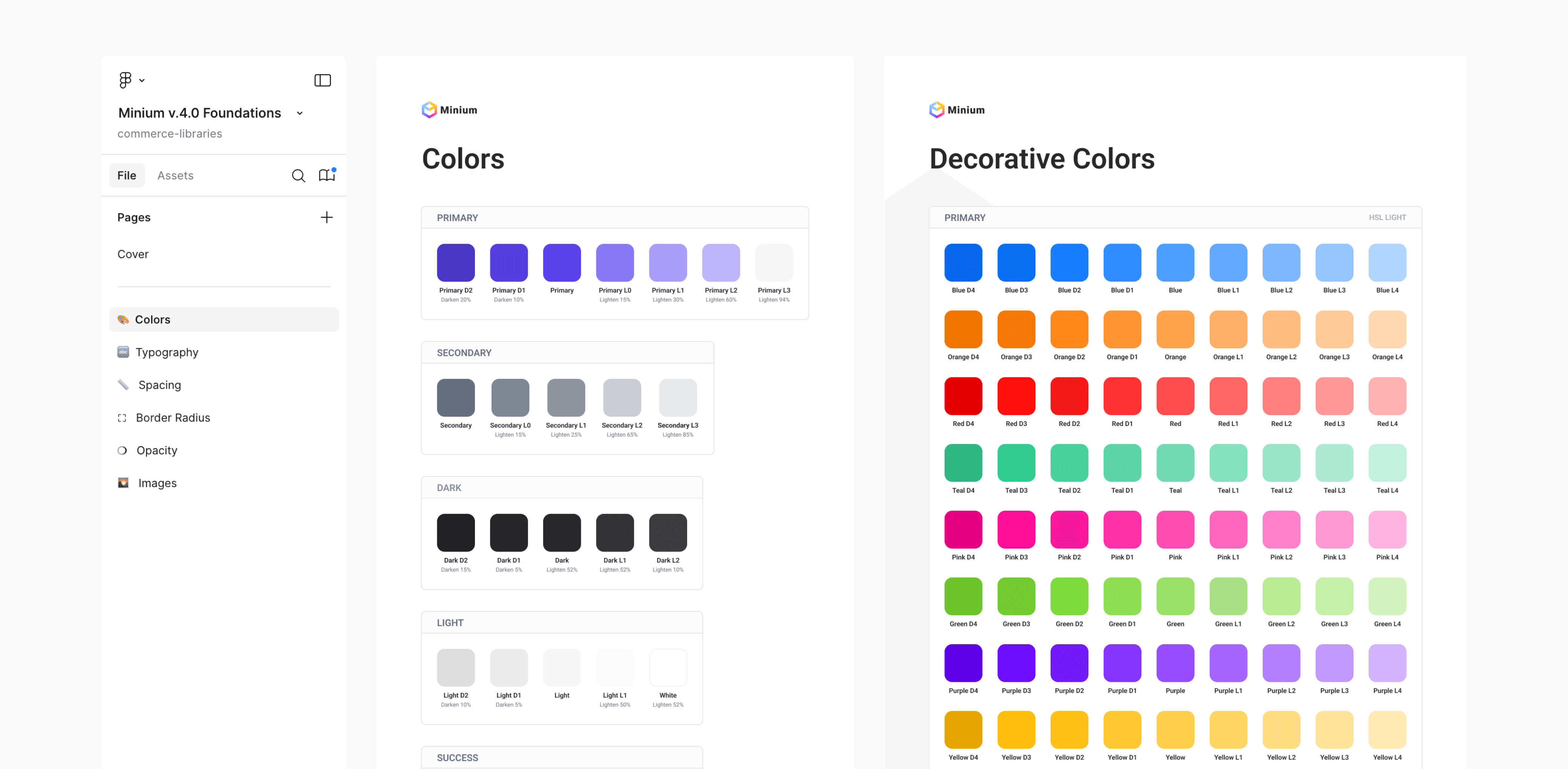
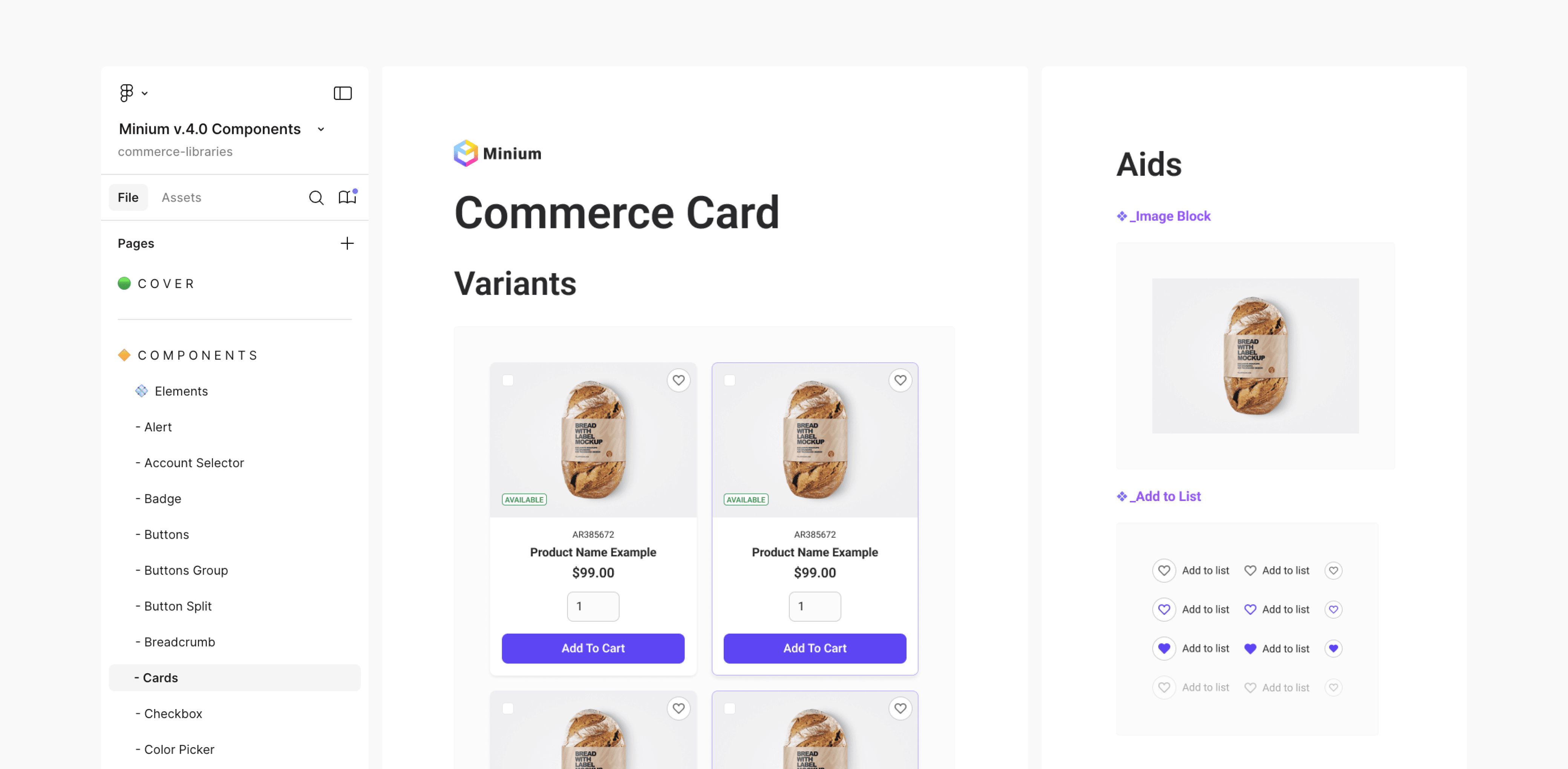
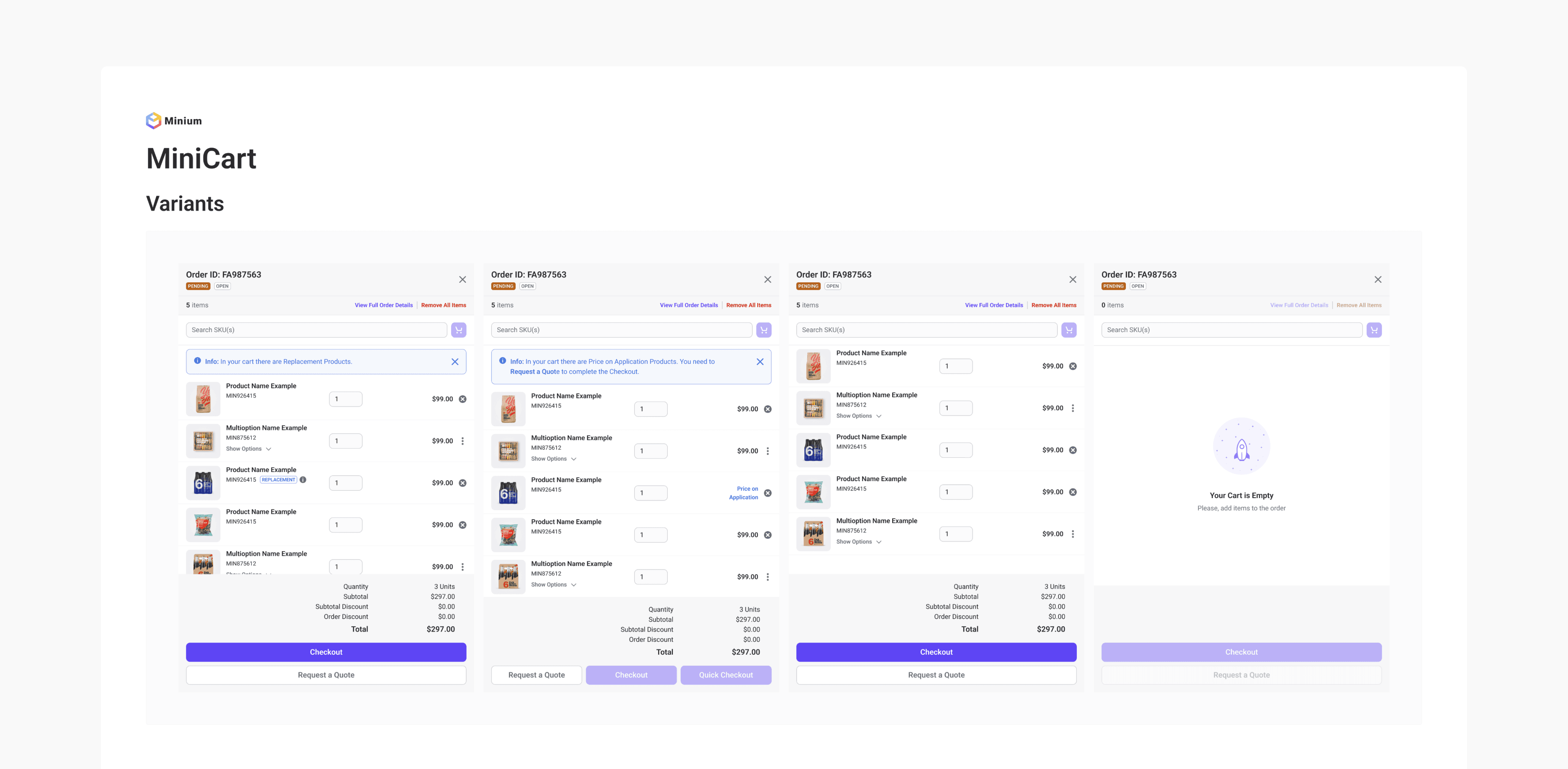
In the Components file, I organized all UI components in a clear and structured way. The file presents a progression from simple components to those with related aids and multiple variants, and finally to more complex components such as tables and the minicart. Each component is displayed in a clean layout within the main content area, allowing for easy visualization and understanding of its structure and variations.
This approach ensures clarity, quick comprehension, and smooth collaboration across teams.
general improvements.
Variables & Nested Components
Another crucial improvement was the use of nested components whenever possible and beneficial. This allows users to configure sublevels of a component directly at the general level, eliminating the need to navigate inside it and saving significant time in complex mockups. An even more critical role was played by variables applied to components, which drastically reduce the number of variants needed without limiting the component’s customizability
Table Enhancement
One of the toughest, but also most rewarding, challenges was improving the table component with a single guiding principle in mind: build a component that ensures scalability and responsiveness while remaining fully customizable without detaching. Another highlight I worked on was, unlike many competitors, dividing the component into columns. Since we design using columns, this approach allows users to edit an entire column quickly, saving time and avoiding the need to detach elements.
retrospective.
What I would do differently
If I were to approach this project again, I would spend more time upfront planning variants, booleans, and variables to reduce iterative adjustments later. I would also establish clear guidelines for nested components, reusable patterns, and documentation from the start to make the system easier to maintain and adopt, ensuring a smoother workflow and faster iteration.
Lessons
I learned the importance of balancing flexibility and structure. Features like nested components and variables can greatly improve efficiency, but they need to be well explained: clear team communication is essential. It is also crucial to focus on the component’s actual use rather than thinking purely in technical terms. For example, a table divided into columns and rows gives designers more flexibility than one composed of rows only.
Key Achievements
The number of variants was reduced by approximately 50%, and file sizes were drastically decreased. Table components are now much less detached and more scalable. Button variants, thanks to the use of variables and properties, were reduced from over 1,000 to around 150.